


Frequently Asked Questions
Are the Atlas Tube HSS design tools free to use?
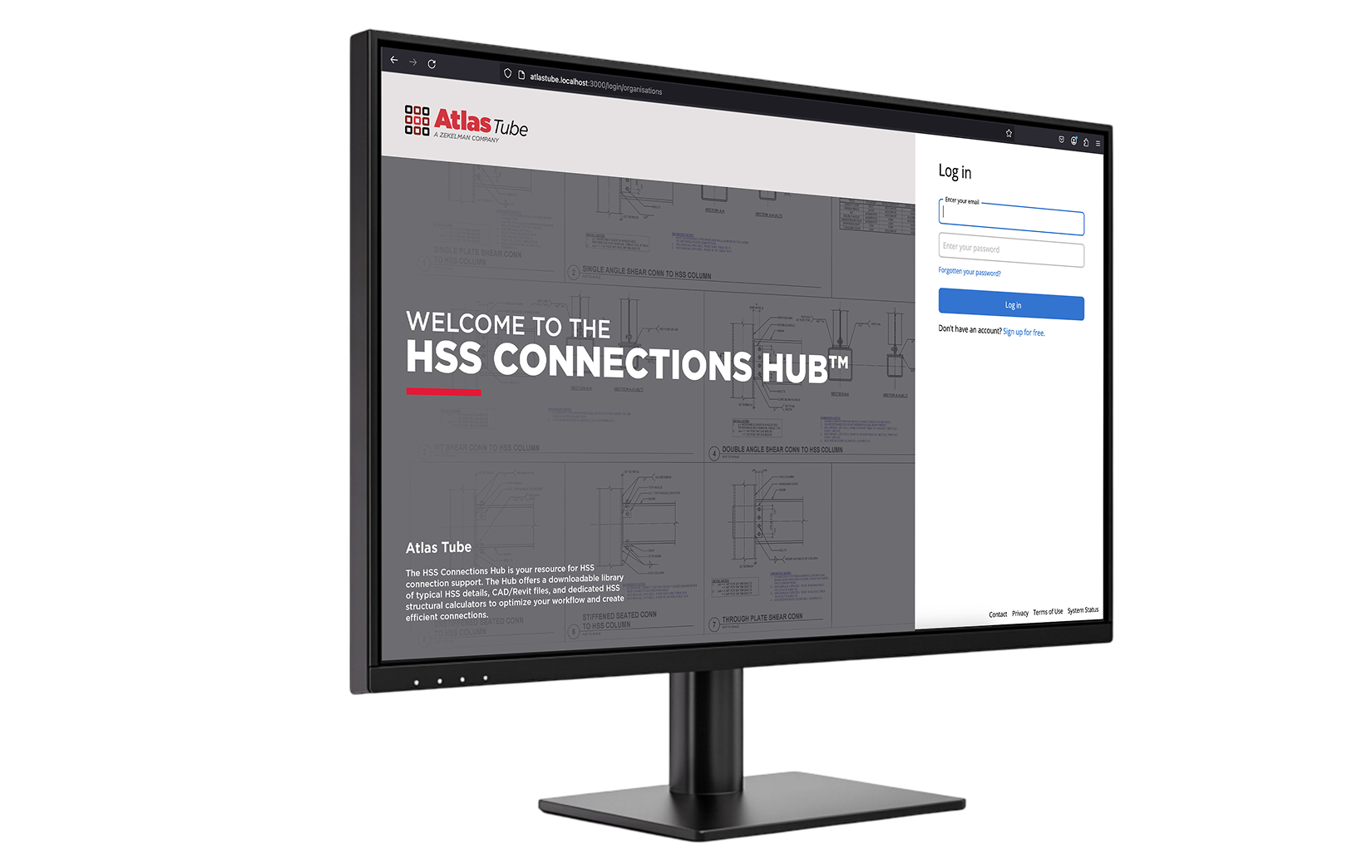
Yes. All four Atlas Tube HSS design tools — the HSS Connections Hub™, the WF vs. HSS Beam Comparison, the WF vs. HSS Column Comparison, and the Axial Load Calculator — are complimentary and browser-based. The HSS Connections Hub requires a free account; the remaining three tools require no login.
What HSS connection types does the HSS Connections Hub™ support?
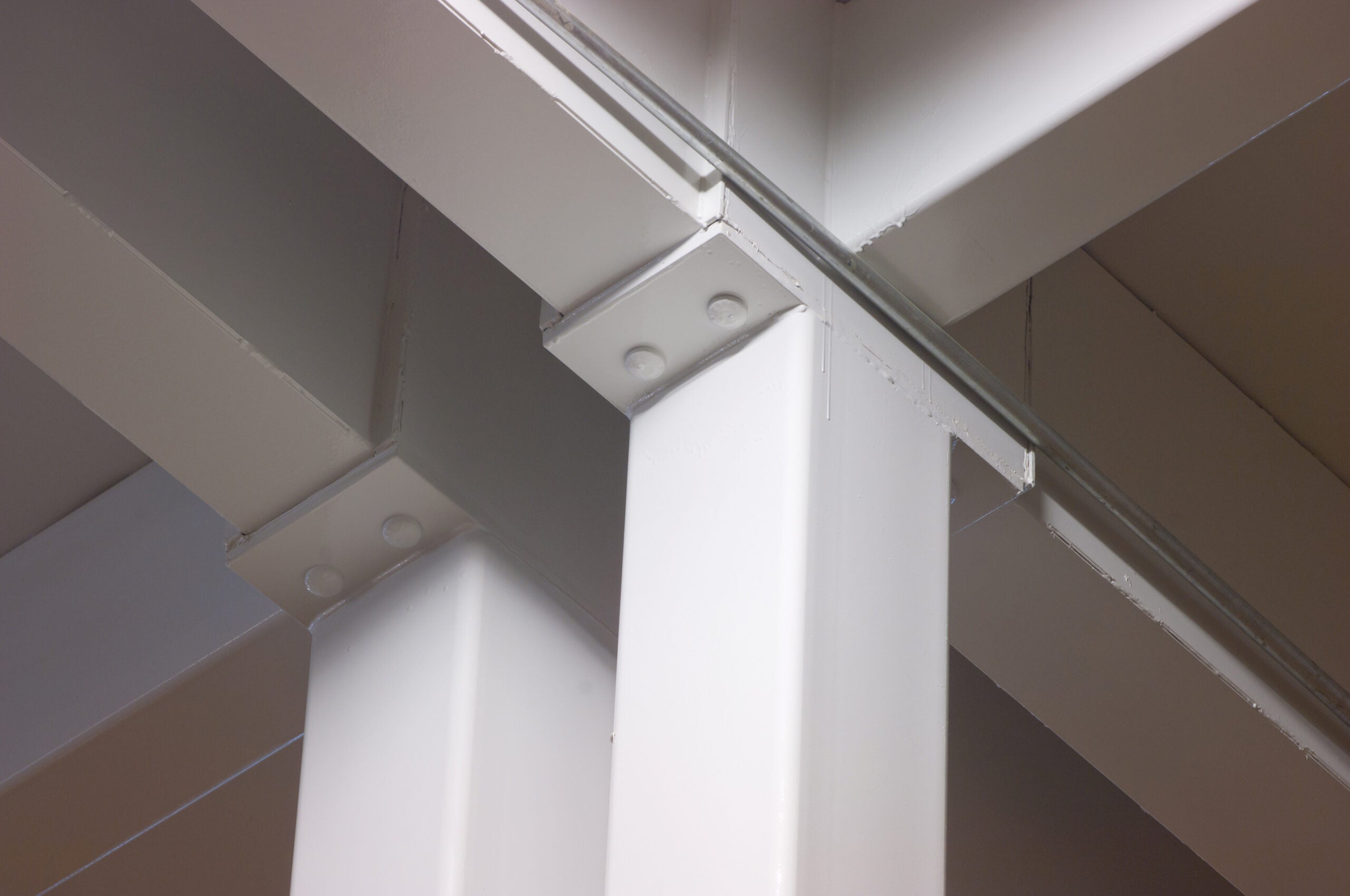
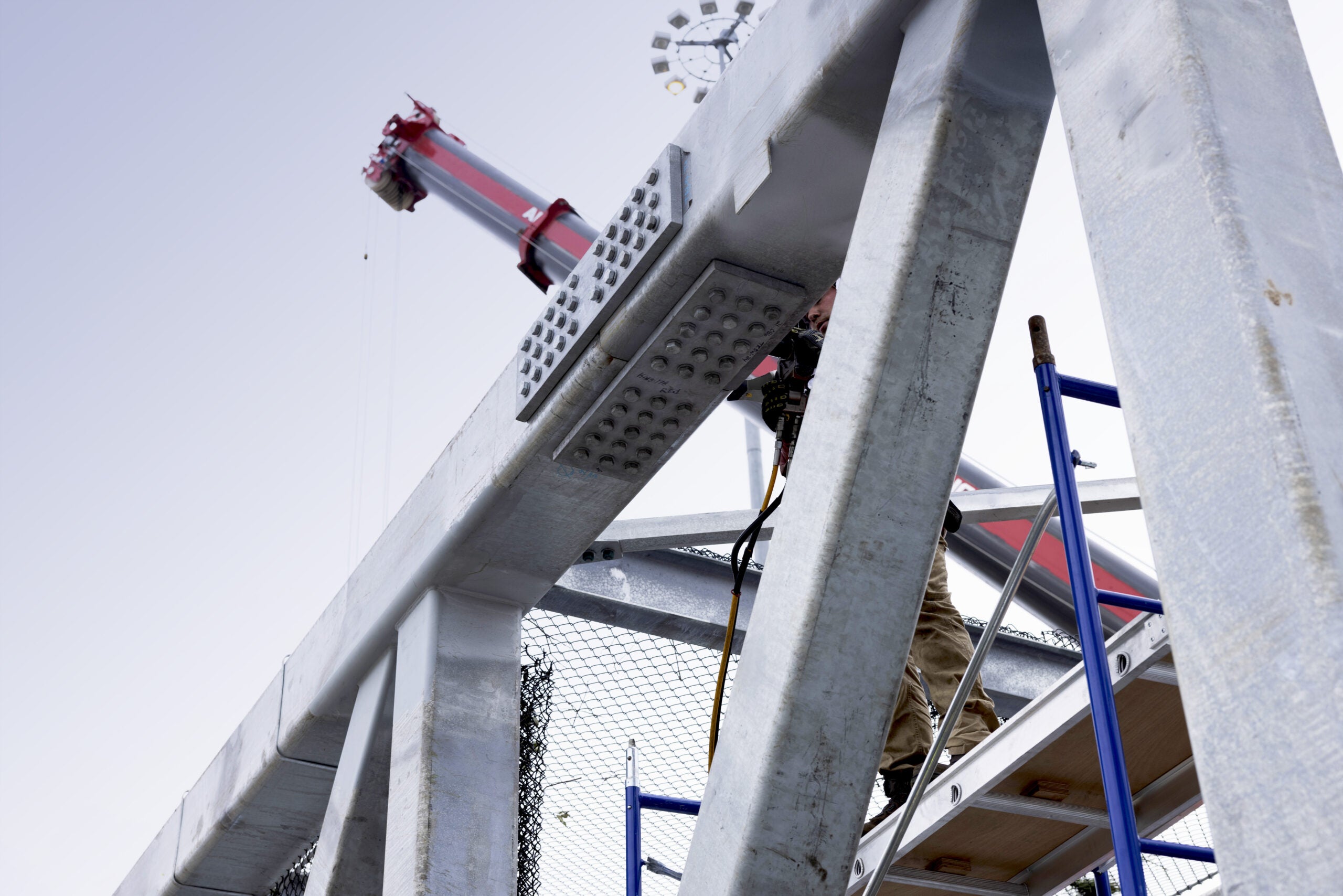
The HSS Connections Hub™ supports a comprehensive range of connection types, including T-, Y-, K-, cross (X)-, and splice connections for HSS-to-HSS configurations, as well as wide-flange-to-HSS and HSS-to-wide-flange shear and moment connections, truss connections, chevron bracing connections, and column bracing connections. Both welded and bolted configurations are covered.
Which AISC design standard do the Atlas Tube tools follow?
All Atlas Tube HSS design tools are based on the AISC 360-22 Specification for Structural Steel Buildings as published in the 16th Edition of the AISC Steel Construction Manual. The HSS Connections Hub is also available under CISC standards for Canadian projects. Flexural and axial capacity calculations use LRFD design methods.
Can the Axial Load Calculator handle both round and rectangular HSS?
Yes. The Axial Load Calculator supports round, square, and rectangular HSS. Users select the section shape and enter the relevant dimensions — depth, width, thickness, and effective length — to generate available axial strength in both LRFD and ASD formats.
How do I get engineering support if I have questions about HSS design?
Atlas Tube’s structural engineering team is available for project-specific guidance on HSS connection design, material selection, and use of the HSS Connections Hub™. Submit a request through the Engineering Support page and a member of Atlas Tube’s structural engineering team will follow up directly.