




Optimize Designs with HSS Using Atlas Tube's Complimentary Tools

Atlas Tube offers four free, browser-based HSS design tools: the HSS Connections Hub™, the WF vs. HSS Beam Comparison Tool, the WF vs. HSS Column Comparison Tool, and the Axial Load Calculator. All four tools are built to help structural engineers and fabricators make faster, better-informed decisions about Hollow Structural Sections and are grounded in the latest AISC and CISC standards. No software installation is required; each tool runs in a standard web browser.

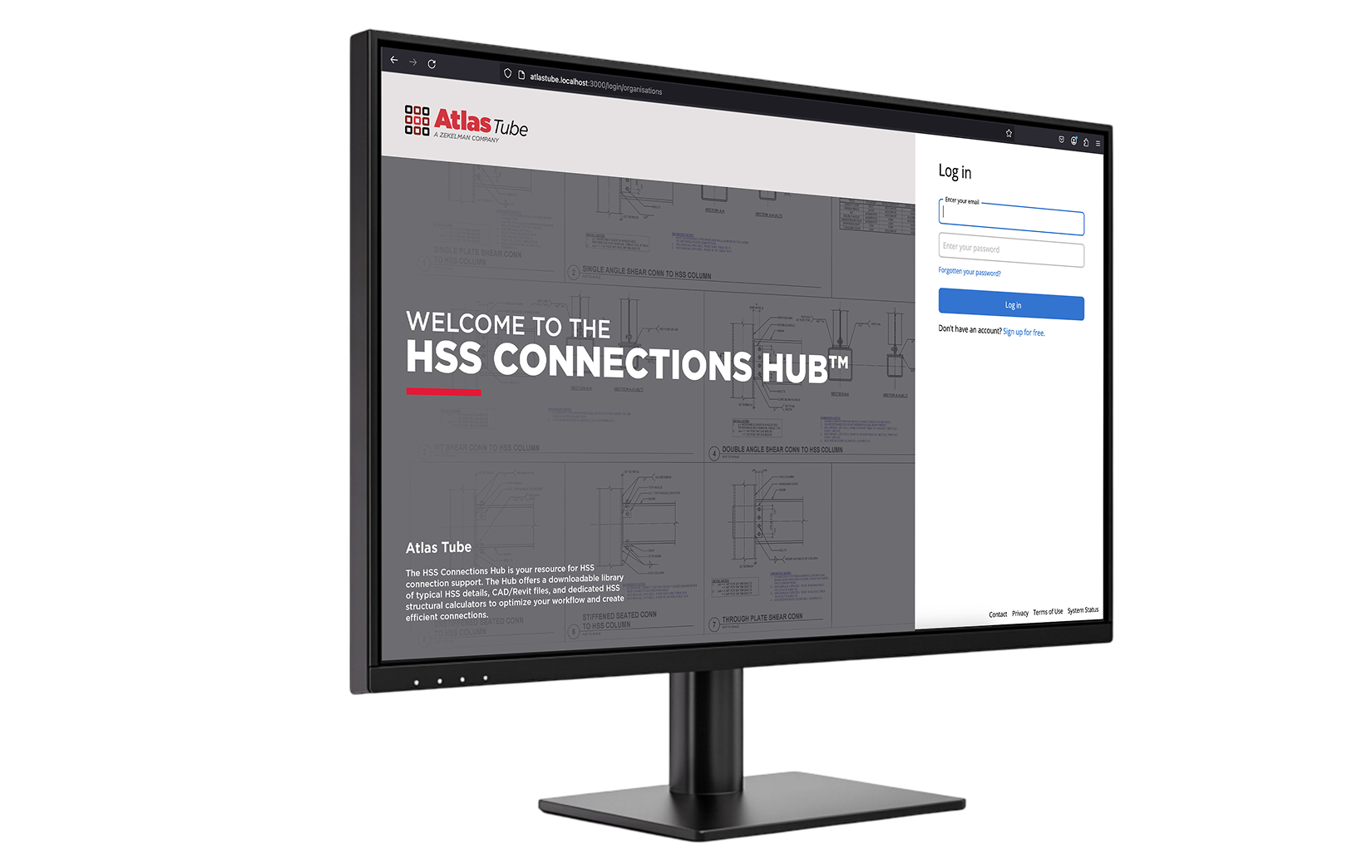
HSS Connections Hub™

The HSS Connections Hub™ is an online software application for HSS connection design, featuring HSS connection calculators and a library of typical HSS details. The Hub supports welded and bolted configurations across HSS-to-HSS, wide-flange-to-HSS, and HSS-to-wide-flange orientations. Engineers can download fabrication-ready typical details in PDF, DWG, and RVT formats directly from the Hub. The HSS Connections Hub is available for both AISC (USA) and CISC (Canada) design standards and supports team collaboration through project sharing and export features.

Access the HSS Connections Hub

WF vs. HSS Beam Comparison (NEW)

In an environment where wide flange sizes may be in tight supply, more teams are looking for an alternative. With the NEW Beam Comparison Tool, you can quickly compare HSS alternatives to wide flange for simply supported beam applications with confidence. Flexural capacities of wide flange and HSS are determined based in accordance with AISC 360‑22 using LRFD design methods.

Compare Beam Sections

WF vs. HSS Column Comparison

The WF vs. HSS Column Comparison tool directly compares HSS to wide flange sections in gravity column applications, demonstrating how HSS can achieve up to 50% less steel section weight. Enter a wide flange designation, member length, and quantity to see side-by-side HSS equivalents with projected weight and cost savings.

Compare Sections and Calculate Savings

Axial Load Calculator

The Axial Load Calculator provides the axial strength of Hollow Structural Sections or identifies the optimal HSS size for a given load and length. Built for structural steel applications, this tool supports accurate axial load calculations and more efficient steel design decisions.

Calculate HSS Column Capacity

Engineering Experts Team

Solve complex HSS design challenges with direct input from Atlas Tube’s structural engineering team. Atlas Tube’s structural engineering team—including Brad Fletcher, S.E., a structural engineer with more than 30 years of experience— provides guidance on HSS connection design, use of the HSS Connections Hub, and HSS material specifications throughout every project phase. With deep, hands-on experience in HSS applications across commercial, bridge, and industrial structures, Atlas Tube’s structural engineering team helps project teams achieve efficient, cost-effective structural solutions.

Connect with Atlas Tube's Engineering Experts

Frequently Asked Questions

Are the Atlas Tube HSS design tools free to use?
Yes. All four Atlas Tube HSS design tools are complimentary and browser-based. The HSS Connections Hub requires a free account; the remaining three tools require no login.

What HSS connection types does the HSS Connections Hub support?
The HSS Connections Hub supports a comprehensive range of connection types, including T-, Y-, K-, cross (X)-, and splice connections for HSS-to-HSS configurations, as well as wide-flange-to-HSS and HSS-to-wide-flange shear and moment connections, truss connections, chevron bracing connections, and column bracing connections. Both welded and bolted configurations are covered.

Which AISC design standard do the Atlas Tube tools follow?
All Atlas Tube HSS design tools are based on the AISC 360-22 Specification for Structural Steel Buildings as published in the 16th Edition of the AISC Steel Construction Manual. The HSS Connections Hub is also available under CISC standards for Canadian projects. Flexural and axial capacity calculations use LRFD design methods.

Can the Axial Load Calculator handle both round and rectangular HSS?
Yes. The Axial Load Calculator supports round, square, and rectangular HSS. Users select the section shape and enter the relevant dimensions like depth, width, thickness, and effective length to generate available axial strength in both LRFD and ASD formats.

How do I get engineering support if I have questions about HSS design?
Atlas Tube’s structural engineering team is available for project-specific guidance on HSS connection design, material selection, and use of the HSS Connections Hub. Submit a request through the Engineering Support page and a member of Atlas Tube’s structural engineering team will follow up directly.

Watch, Learn, and Build Better HSS Connections

Master HSS connection design with practical techniques, expert insights, and real-world solutions from the structural engineers at Atlas Tube who work with HSS every day.